
Summary
Modern offices depend on technology to enable communication, collaboration, and productivity. Yet many organizations struggle with meeting rooms that don’t connect, devices that don’t work together, and environments that frustrate employees instead of supporting them.
Creating workspaces that just work means designing office environments where audio visual (AV), video collaboration tools, and workplace technology are intentionally integrated, not layered in as afterthoughts.
When done well, technology becomes invisible, employees walk into a room, start a meeting instantly, share content easily, and collaborate without friction.
This article outlines a strategic framework for planning office technology integration, ensuring organizations build workplaces that are reliable, intuitive, and future-ready.
Why Seamless Office Technology Matters
Organizations today rely on multiple technologies simultaneously:
- Video conferencing platforms
- Wireless presentation systems
- Room scheduling software
- AV hardware and displays
- Integrated collaboration devices
When these systems are poorly integrated, common problems occur:
- Meetings start late due to connection issues
- Employees struggle to share content
- Technology adoption remains low
- IT teams spend time troubleshooting
A properly designed technology ecosystem solves these issues by ensuring interoperability, simplicity, and reliability across all workplace systems.
The Strategic Approach to Office Technology Integration
Creating workspaces that work consistently requires more than purchasing equipment. It requires a structured planning approach that aligns technology, space design, and user experience.
- Start with the User Experience
The best office technology solutions begin with one question: What do people need to accomplish in this space?
Examples include:
- Team collaboration sessions
- Executive board meetings
- Hybrid video meetings
- Training or presentations
- Quick stand-up discussions
Designing for user workflows ensures technology supports the activity instead of creating barriers.
- Standardize Collaboration Technology
One of the most common challenges in workplaces is inconsistent meeting room experiences.
Employees may encounter different setups in every room:
- Different cameras
- Different control interfaces
- Different video conferencing workflows
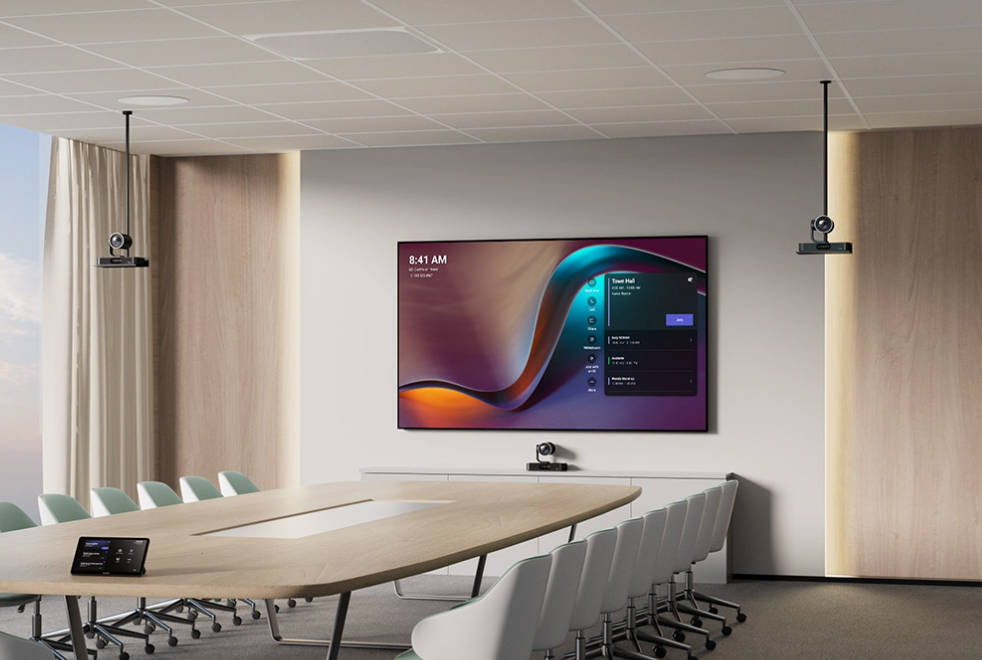
Standardizing collaboration technology creates a predictable meeting experience across the entire office.
Benefits include:
- Faster meeting start times
- Reduced training requirements
- Easier IT management
- Higher employee adoption
- Design Technology into the Space
Technology should never be an afterthought.
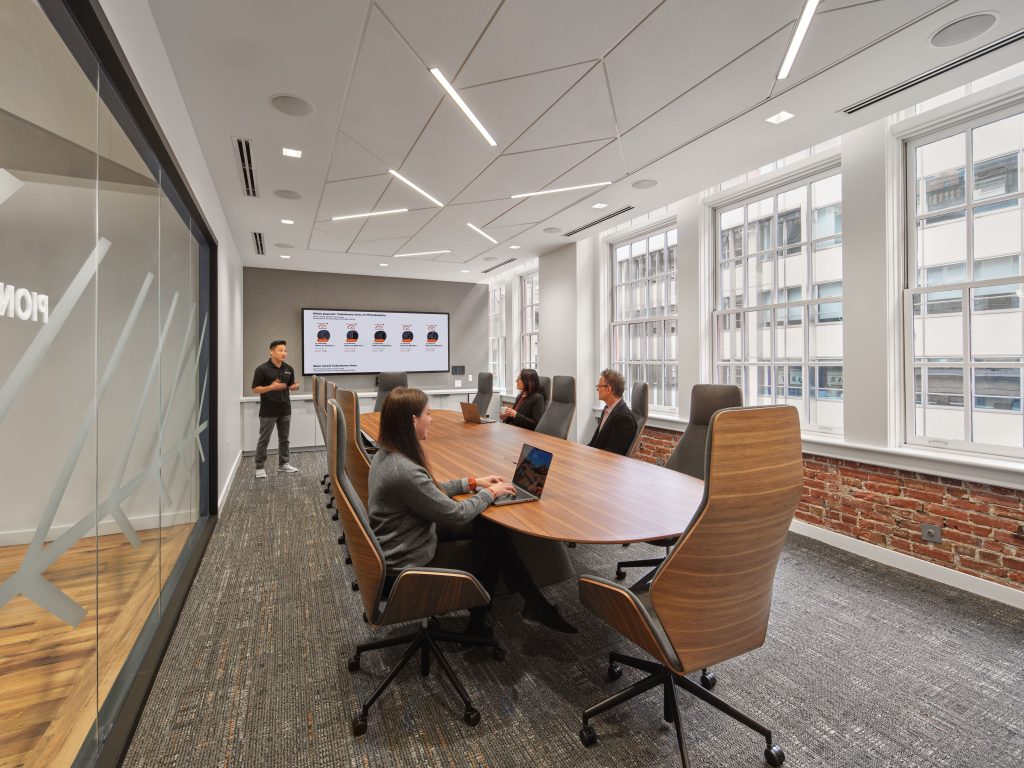
Effective workplaces consider AV and collaboration technology during the design and planning phase, including:
- Display placement
- Camera positioning
- Microphone coverage
- Acoustic considerations
- Cable management and connectivity
This approach prevents the need for retrofitting technology into spaces that weren’t designed for it.
- Ensure Platform Compatibility
Modern offices rarely rely on just one collaboration platform. Employees may use:
- Microsoft Teams
- Zoom
- Google Meet
- Web-based conferencing tools
A well-designed office environment ensures meeting rooms work seamlessly across multiple platforms, allowing users to connect quickly regardless of the software they choose.
- Simplify the User Interface
The most successful meeting spaces rely on simple controls and intuitive workflows.
Employees should be able to:
- Start a meeting with one touch
- Share content wirelessly
- Control audio and video easily
- Join external calls without technical assistance
If a meeting room requires detailed instructions to operate, the design likely needs improvement.
Office Technology Integration Framework
The following framework can guide organizations when planning workplace technology.
|
Stage |
Focus |
Outcome |
|
Discovery |
Understand workplace needs and collaboration workflows |
Clear technology requirements |
|
Design |
Plan room layouts, AV systems, and integration architecture |
Technology aligned with space |
|
Standardization |
Create consistent room experiences |
Simplified user adoption |
|
Deployment |
Install and configure AV and collaboration systems |
Reliable meeting environments |
|
Optimization |
Monitor performance and user feedback |
Continuous improvement |
This structured approach ensures technology investments deliver real value.
Key Takeaways
- Successful workspaces require intentional integration of AV, collaboration tools, and workplace technology.
- Technology should be designed around user experience, not simply installed in rooms.
- Standardization across meeting spaces improves reliability and adoption.
- Seamless video collaboration requires platform flexibility and intuitive controls.
- Organizations benefit from following a structured technology planning framework.
When office technology works effortlessly, employees focus on collaboration instead of troubleshooting.
FAQ
What is office technology integration?
Office technology integration refers to the process of combining workplace systems, such as AV equipment, video conferencing tools, displays, and control systems, so they function seamlessly together in meeting rooms and collaboration spaces.
Why do many meeting rooms fail?
Most meeting rooms fail because technology is added after the space is designed, resulting in poor placement, compatibility issues, and complex user interfaces.
What makes a meeting room easy to use?
Effective meeting rooms typically include:
- One-touch meeting start
- High-quality microphones and cameras
- Wireless content sharing
- Clear displays
- Consistent controls across rooms
How can organizations improve video collaboration in the office?
Improving video collaboration usually requires:
- Standardizing collaboration hardware
- Ensuring compatibility with multiple platforms
- Designing rooms with proper acoustics and camera placement
- Simplifying meeting controls
What role does AV technology play in modern offices?
AV technology enables communication and collaboration across teams, locations, and devices. Integrated AV systems support video meetings, presentations, training, and interactive discussions.
If you’re planning to upgrade your meeting rooms, collaboration spaces, or office technology strategy, Rova Unify can help you build workspaces that truly work.
Our team specializes in designing and integrating:
- AV and video collaboration systems
- Meeting room technology
- Workplace technology ecosystems
- Seamless user experiences across office environments
Start the conversation with Rova Unify today to explore how your workplace technology can work smarter.
👉 Contact us to learn more about creating seamless collaboration environments.