
Why Standardizing Meeting Rooms Matters More Than Buying the Same Equipment
How organizations can create a consistent meeting experience across different spaces without making every room identical.
Walk into one meeting room and everything works. The camera is positioned correctly, the audio is clear, and joining a video call takes seconds.
Walk into another room down the hall, and it’s a different story. You’re searching for the right cable, trying to work out which microphone is active, or asking someone from IT to help get the meeting started.
Sound familiar?
For organizations with multiple meeting rooms, offices or locations, these inconsistencies can become a recurring source of frustration. As businesses continue to invest in workplace technology, the challenge isn’t simply choosing the right equipment, it’s making sure every space delivers an experience people can use confidently and consistently.
The answer isn’t to put identical equipment in every room. It’s to establish a consistent approach to how meeting spaces are designed, equipped, deployed and supported.
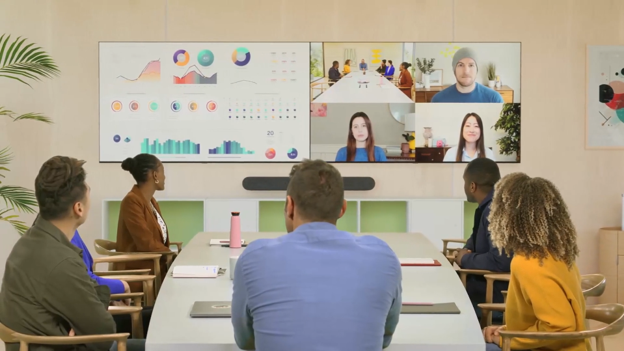
Consistency doesn’t mean every room should be the same.
A two-person huddle space has different requirements from a boardroom, training room or large conference space. Trying to force the same setup into every environment can lead to unnecessary expense or a solution that doesn’t meet users’ needs.
Instead, standardization starts by identifying the different types of spaces an organization needs and defining what each one must do.
For example:
- Huddle rooms need straightforward joining, reliable audio and video, and an easy way for small groups to collaborate.
- Meeting rooms need dependable camera coverage, clear audio, intuitive controls and effective content sharing.
- Boardrooms may require more advanced microphone coverage, multiple displays and carefully considered sightlines.
- Training and multipurpose spaces need flexible configurations that support presentations, group activities and hybrid participation.
Within each category, organizations can establish preferred configurations, supported platforms and consistent ways of joining and managing meetings.
Microsoft’s meeting room standards and planning guidance reflects this approach, allowing organizations to define room standards and apply them across sites, buildings and individual spaces.
The goal is simple: give people a familiar experience while ensuring each room is equipped for its intended purpose.
- Make meetings easier for everyone
Employees shouldn’t need to become AV experts just to start a meeting.
When rooms follow consistent principles, users know what to expect. Meeting controls are familiar, joining workflows are predictable, and sharing content doesn’t require a new set of instructions every time.
This matters particularly in organizations where employees move between offices, visit different floors or use a variety of meeting spaces throughout the week.
Consistency also benefits remote participants. Reliable audio, appropriate camera coverage and well-planned displays help people joining virtually participate in the discussion rather than struggle to follow it.
Industry discussions reflect how persistent these practical issues can be. In a popular discussion forum, a person responsible for conference rooms asked how to define equipment standards based on room dimensions and usage. The responses highlighted the importance of considering factors such as room size, table dimensions, seating capacity and how the space is actually used.
The takeaway? A reliable meeting experience begins with understanding the room, not simply selecting a device.
- Reduce complexity for IT and support teams
Every variation in a meeting room environment can introduce another consideration for the people responsible for keeping it running.
Different control systems, connection methods, device configurations and support procedures can make troubleshooting more complicated. When equipment is deployed inconsistently, IT teams may need to understand and maintain multiple solutions for what appear to be similar spaces.
A defined set of room standards can help simplify that environment.
It can support more consistent procurement, installation, documentation, user training and ongoing maintenance. It can also make future upgrades easier to plan because teams have a clearer picture of what is installed and where.
Microsoft’s Teams Rooms deployment guidance recommends taking inventory of existing spaces, understanding room size and purpose, and documenting equipment and desired capabilities before selecting devices and planning deployment.
That planning is important. A room inventory and a clear set of standards give organizations a stronger foundation for making technology decisions across their portfolio.
Standardization doesn’t eliminate every support issue, but it can make the overall environment easier to manage.
- Design around the way people work
Technology standards are only part of the equation.
The same video bar can perform differently depending on where it is installed, the room’s dimensions, the seating arrangement and the surfaces surrounding it.
A camera may not capture everyone around a long table. A display may be difficult to see from certain seats. Hard surfaces and background noise may make speech harder to understand.
These aren’t necessarily equipment problems. They can be design and integration problems.
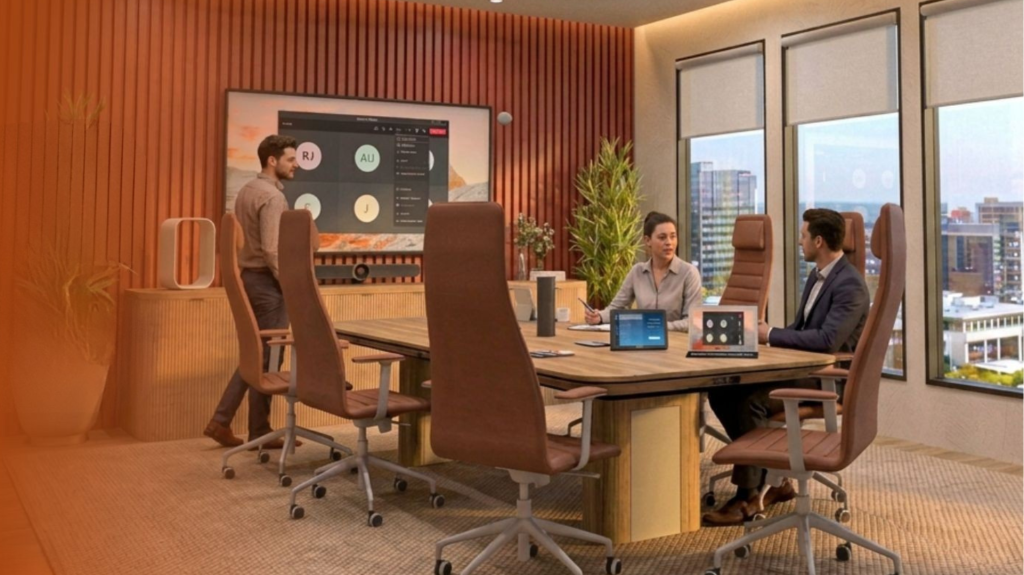
That’s why room standards should consider the whole environment:
- Space: Room dimensions, furniture, seating positions, sightlines and flexibility.
- Technology: Cameras, microphones, speakers, displays, meeting platforms and controls.
- Acoustics: Background noise, reverberation and the conditions needed for clear speech.
AVIXA’s research-informed discussion of meeting quality in 2026 emphasizes consistency and usability as important elements of meeting room reliability, alongside the growing capabilities of collaboration technology.
For organizations establishing room standards, this means defining not just which equipment belongs in a room, but what a successful meeting experience should look and sound like.
- Think beyond installation
A meeting room isn’t finished when the equipment is installed. Devices need to be configured, tested and documented. Users need to understand how to operate the space. IT teams need clarity around support responsibilities, maintenance and future upgrades.
Without a coordinated approach, even a well-designed room can become difficult to use or maintain.
A more repeatable deployment process helps organizations apply their standards across multiple rooms and locations. It also creates a framework for reviewing existing spaces, identifying gaps and planning improvements over time.
That doesn’t mean every project must follow an identical installation process. It means the important requirements, quality checks and user expectations are defined before work begins.
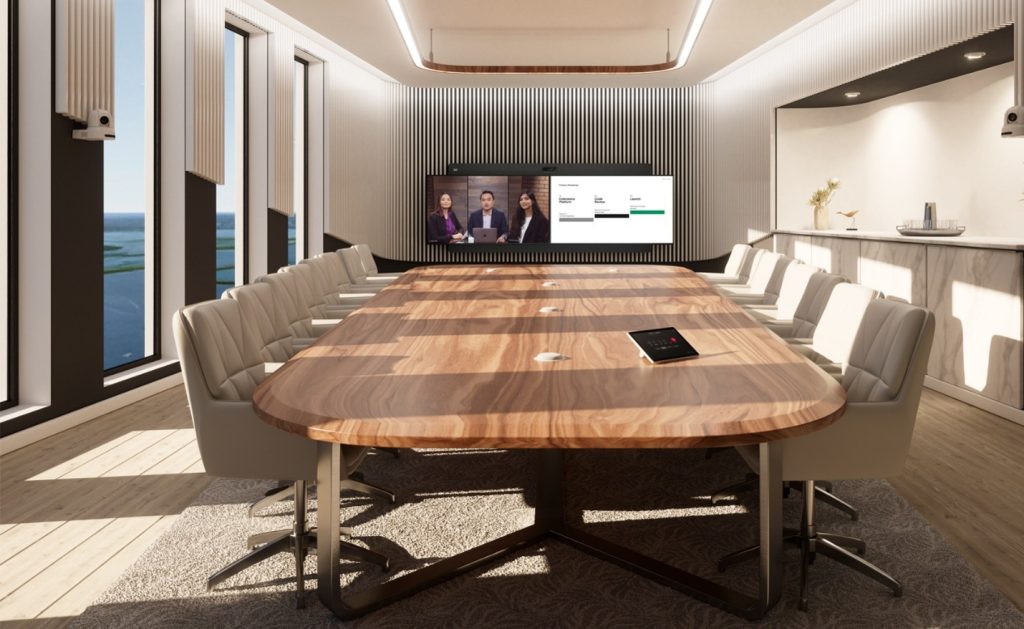
- Start with the rooms you have
Standardizing a meeting room environment doesn’t require replacing every system at once.
A practical first step is to understand the current state of your spaces and identify where inconsistency is creating the greatest problems.
Ask:
- Do employees know how to start and manage a meeting in each room?
- Are audio, video and content sharing reliable?
- Do different rooms offer an appropriate experience for their intended use?
- Does IT have an accurate inventory of room equipment and configurations?
- Are installation, documentation, training and support handled consistently?
- Which rooms create the most complaints or require the most intervention?
The answers can help prioritize improvements. Some rooms may need better configuration or clearer user guidance. Others may require changes to the technology, layout or acoustics.
From there, organizations can establish room types, define their requirements and develop a realistic plan for upgrades and future deployments.
Better rooms. A more consistent experience.
Meeting room standardization isn’t about making every space look or function identically. It’s about creating a dependable experience wherever people collaborate, while giving each room the capabilities its purpose demands.
That takes more than a list of approved products. It requires thoughtful planning, appropriate technology selection, coordinated deployment and ongoing support.
Rova Unify brings together workplace technology expertise and professional services to help organizations plan, integrate and support collaboration environments around the people who use them.
Whether you’re updating a handful of meeting rooms or planning a broader rollout, the first step is understanding what each space needs to do.
Let’s talk about your meeting rooms.
Connect with Rova Unify to discuss your workplace technology requirements.